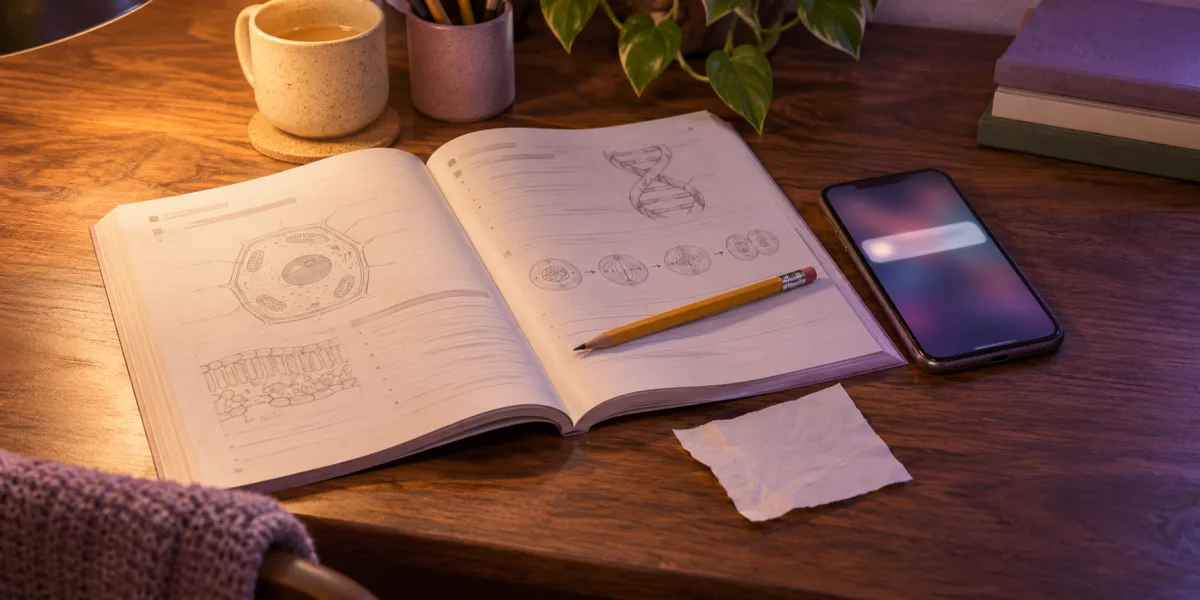
You’re on the second question in your biology workbook. You pick up your phone to look up chlorophyll. The definition takes a few seconds. Before you get back to the question, you’ve opened a notification and started watching a video.
Try this before you put your phone down. Write the question number on a scrap of paper and put Check later on the next line. The next time you reach for your phone, you’ll have a place to park the thought and a question to come back to. Jump to the 20-minute study plan.
Try one 20-minute study block
- First 2 minutes. Pick a small finish line. Write down what you’ll do, such as “Answer questions 2 and 3.” Gather the page, notes, and tools you’ll need. Silence non-urgent notifications and move your phone out of reach if you can do the work without it.
- Next 15 minutes. Use your note when you reach for the phone. If it’s something that can wait, write a few words under Check later and return to the question. For a lookup you need to keep going, write the exact word, open the tool you need, and copy the answer onto the page before putting the phone down.
- Last 3 minutes. Check what you finished. Read back your answers and mark the question you’ll start with next time. Look at your Check later list and decide which items you still want to open.
If you catch yourself scrolling halfway through, close the feed and return to the question number you wrote down. Use the time you have left.
Notice what made you reach for the phone
A notification came in. In a 2015 lab study, phone alerts disrupted performance on an attention task even though participants didn’t interact with their phones. If alerts are what pull you away, quiet the ones that can wait before you start. Stothart and colleagues, 2015
You got stuck and needed an answer. Look at the next sentence or the glossary first. If you still need the phone, decide what you’ll bring back from the lookup, such as a definition or a formula.
You opened an app without thinking. Write its name on your list and go back to the next line of your answer. If the same app keeps showing up, you know which one to put out of reach for the next session.
What this looks like on the biology page
Question 2 asks how chlorophyll helps a plant use light. The glossary gives you what you need, so you write one sentence in the workbook.
Chlorophyll absorbs light energy that the plant uses in photosynthesis.
While you’re writing, you remember a video you meant to send a friend. Add “send video” under Check later and move to question 3. If you run out of time after question 2, mark question 3 as your starting point for next time.
Check in distracting apps before takeoff on iPhone
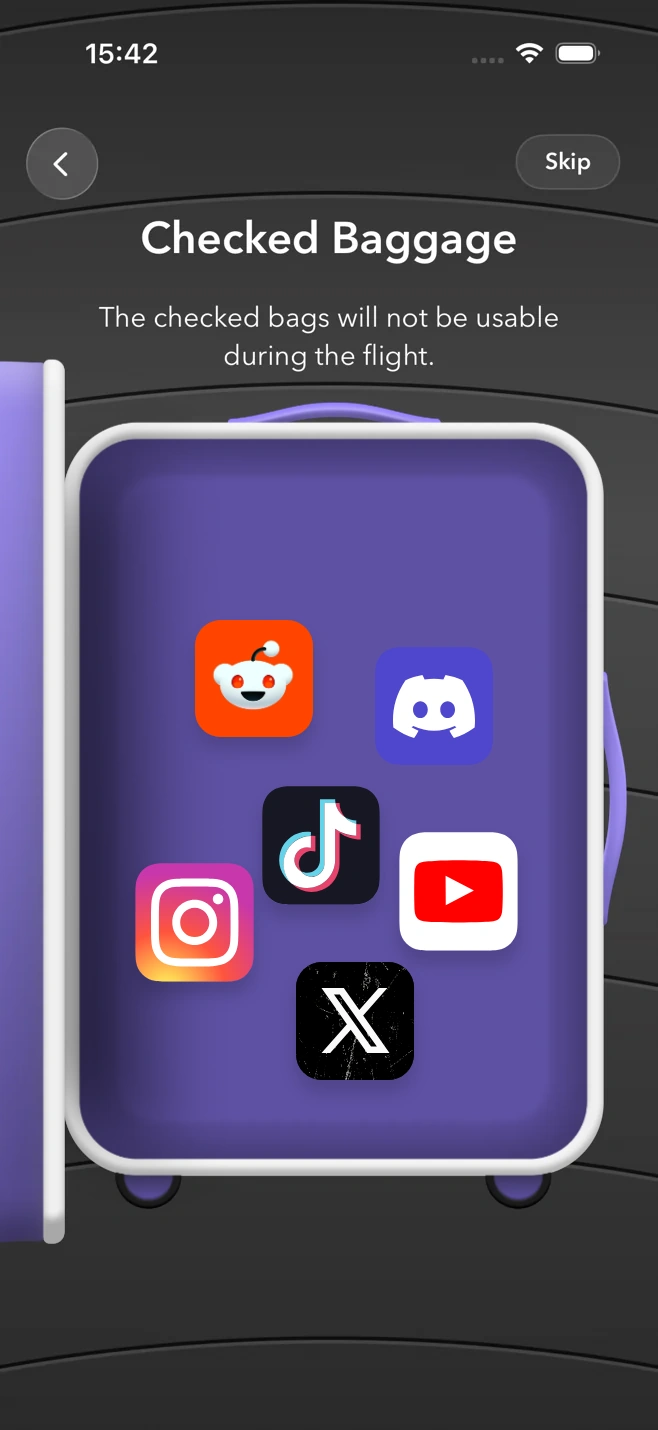
If the same app keeps interrupting your study block, use Checked Baggage in FlightFlow on a supported iPhone. It uses Screen Time permission to temporarily restrict the apps you choose during your focus flight.
- Plan the same 20-minute block. In FlightFlow, choose a Focus Flight, set the time, and pick a destination and seat. Continue to Checked Baggage.
- Choose what to check in. Tap Select Apps and grant Screen Time access if prompted. Select the apps that keep pulling you away. Leave the dictionary, calculator, or course app you need for the session available.
- Board and return to the page. Confirm your selection, then tear your boarding pass when it’s ready. Start from the question you marked. When the flight ends, the selected apps are available again and you can come back to your Check later list.
Get FlightFlow to try this routine. On a supported iPhone, you can use Checked Baggage during the flight. If you’re still deciding what to work on, start with the one-page study plan.